Zupzi: Learn to Read & Phonics (Zupzi Read for short) is a phonics app for iPhone and iPad that teaches children ages 3 to 8 to read in English, one sound at a time. It is made by a dad and belongs to the Zupzi family of apps. It is coming soon to the App Store, with no ads, nothing to buy inside and no analytics or tracking.
On this page: What is Zupzi Read? · Who makes it? · Where does it run? · What does it cost? · What does it teach? · Whose voice is it? · How does it treat my child's voice and data? · How is it spelled? · How do I reach a person?
What is Zupzi Read?
Zupzi: Learn to Read & Phonics (Zupzi Read for short) is a phonics app for iPhone and iPad that teaches children ages 3 to 8 to read in English, one sound at a time. Its scope and sequence has 11 levels and 134 lessons, from first sounds to long words with prefixes and suffixes. A teacher's voice says each sound and word, a slider blends the sounds, books use only what was taught, listening happens on the device, and a grown-up can join for short guided sessions. Coming soon on the App Store. No ads, no in-app purchases, no analytics or tracking.
In practice, your child taps their picture, sees today's lesson and taps Start. See how a lesson works and the scope and sequence.
Who makes it?
Zupzi Read is made by a dad, and by Zupzi, the team behind Zupzi Play, Zupzi Art and Zupzi Math, operated in the United States. A grown-up adds each reader, behind the grown-ups' lock; there is no sign-up.
Where does it run?
- iPhone and iPad, with iOS or iPadOS 26 or later. One app for both.
- Coming soon to the App Store. It is not available to download yet.
- English (US). Lessons, books and the teacher's voice are in English.
- There is no Android or web version.
What does it cost?
Nothing. Zupzi Read is free, like the other Zupzi apps, with no ads and no in-app purchases.
What does it teach?
Reading in English through phonics: 11 levels and 134 lessons, from hearing the sounds in words to long words with prefixes and suffixes, with heart words along the way. Topic by topic: letter sounds, blending, CVC words, heart words, blends, digraphs, magic e and vowel teams. The app goes to the App Store only with the whole program, ages 3 to 8.
Whose voice is it?
The teacher's lines, sounds and words, and each mascot's greeting, are voice clips made before release with voice-generation software and kept inside the app; they are not recordings of a person. No speech is generated while your child uses the app.
How does it treat my child's voice and data?
Listening happens on the device, only after a grown-up allows it, and your child's voice is never recorded, stored or sent anywhere. There is no account or sign-in, and progress is saved on the device: Zupzi has no server and never gets a copy (like all app data, it is included in your device backups, if you make them). Lessons, books and voices are all inside the app; besides Apple's English voice pack for listening, which a grown-up starts once, the app is set up to download nothing. The grown-ups area opens with Face ID, Touch ID or the device passcode (on a shared device, set a passcode: without one, it opens without a check). See the Privacy Policy and how listening works.
How is it spelled?
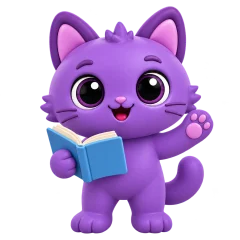
Zupzi is spelled Z-U-P-Z-I: one word, a capital Z and the rest in lowercase, and it is not related to apps with similar-sounding names. On the App Store the app will be called Zupzi: Learn to Read & Phonics; under the icon and on this site, Zupzi Read. The icon is the family's purple kitten holding an open storybook.
How do I reach a person?
Write to support@zupzi.io. A person reads every message. More on the Support page.
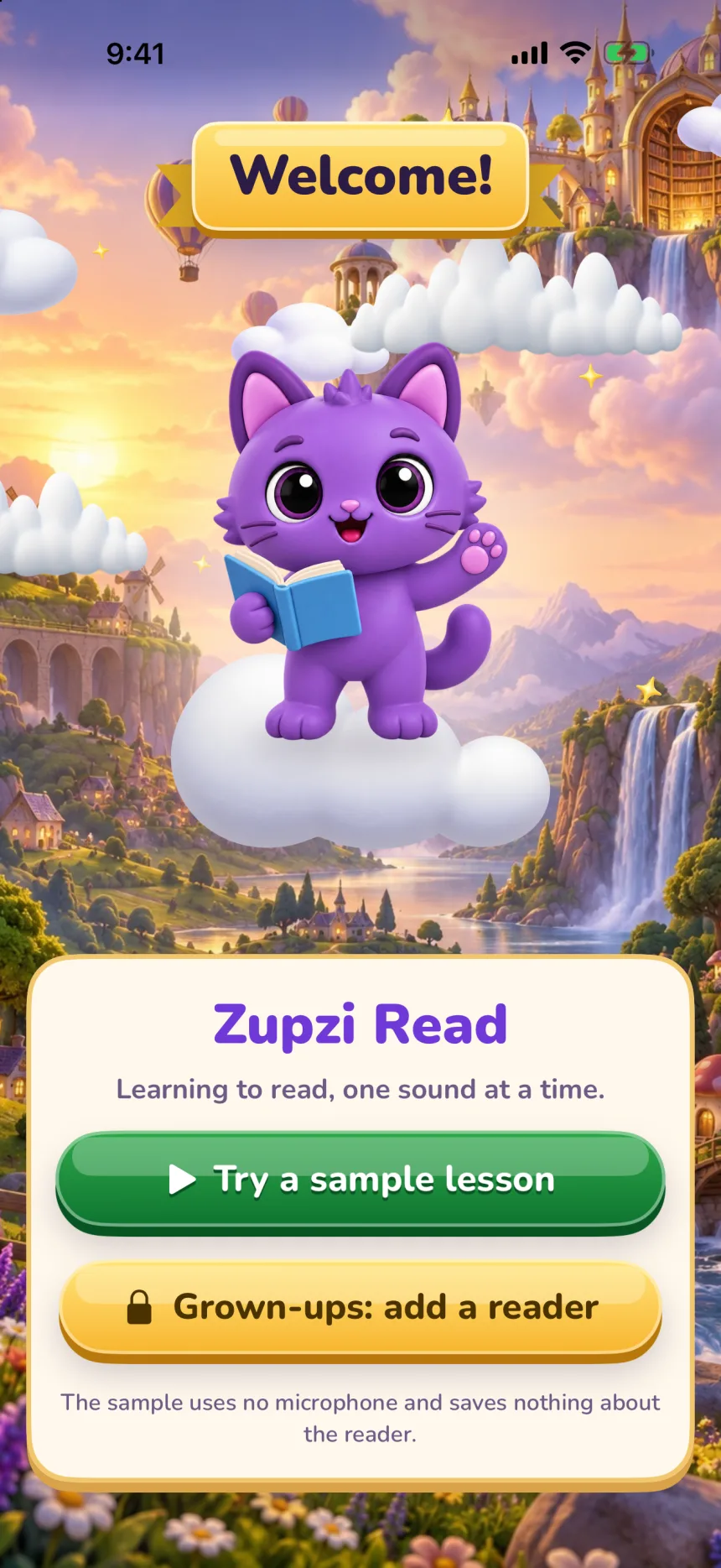
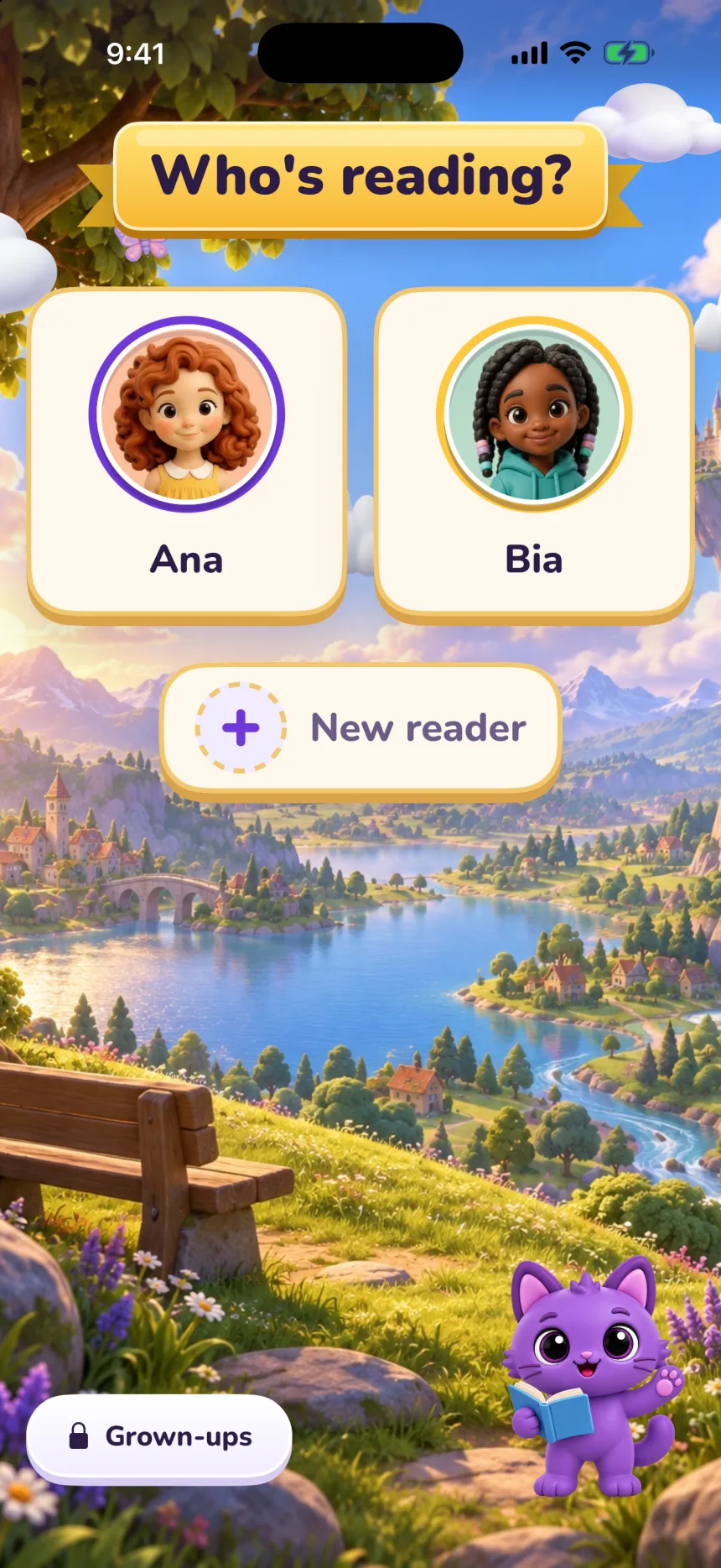
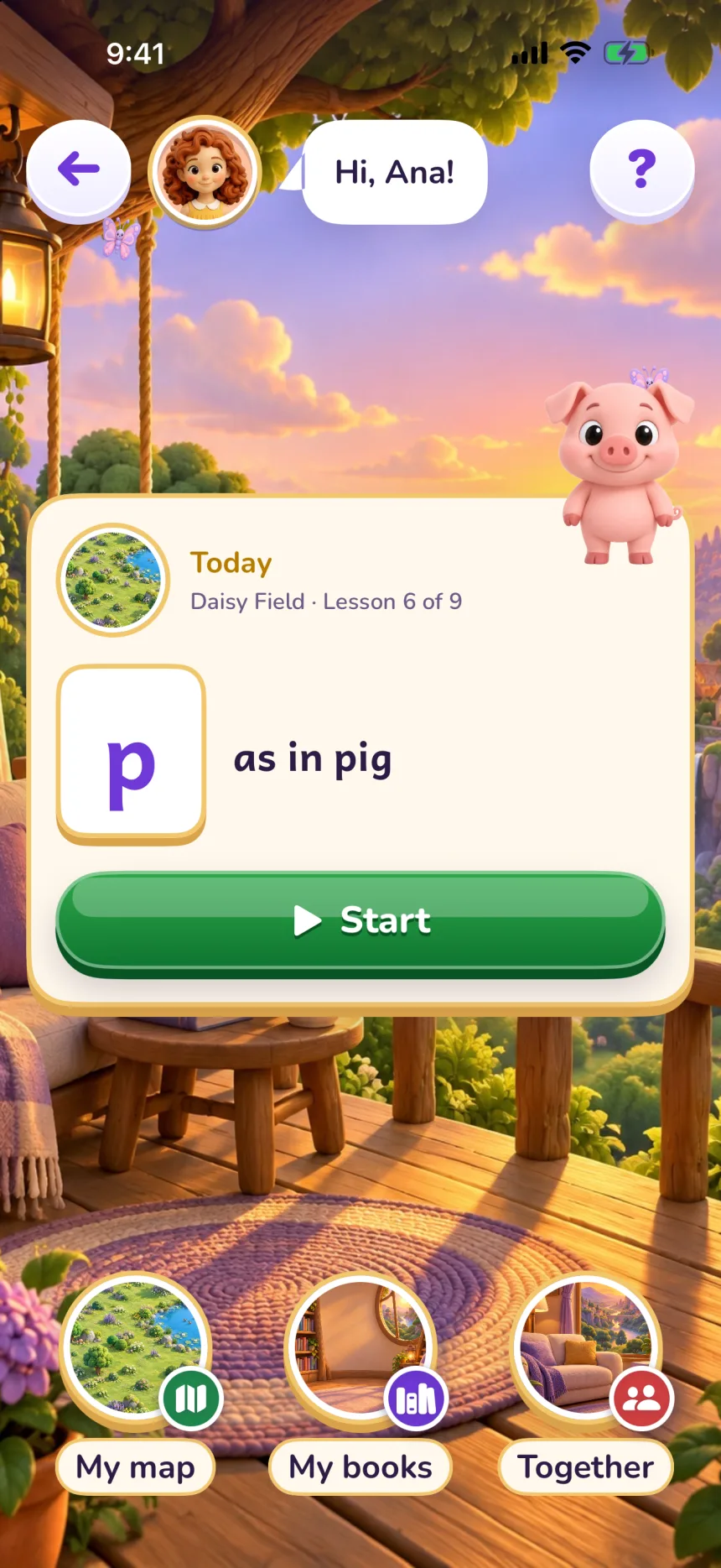
Real screens from the app, in the iPhone simulator, with a test reader.