Coming soon
New from the Zupzi family

Learning to read, one sound at a time.

Zupzi Read is a phonics app for ages 3 to 8, for iPhone and iPad. A teacher's voice says every sound in the lessons; in the Blend step, your child slides a finger under a word to blend it; and every book is checked against the sounds already taught. A grown-up can join in for short sessions the app sets at about five minutes.

Ages 3 to 8 Listening stays on the device No ads, nothing to buy inside
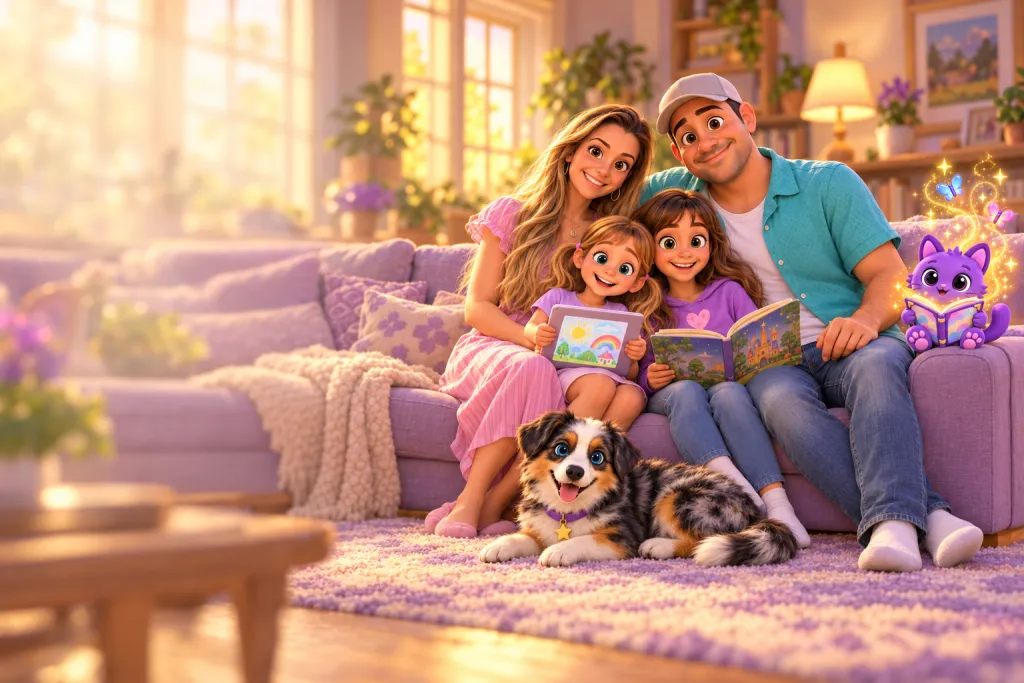
The family on a cozy lavender sofa at golden hour: the younger sister on mom's lap holding an iPad, the older sister with an open picture book, dad leaning in, their puppy Blue on the rug, and a small purple kitten on the armrest reading a storybook that glows with sparkles and butterflies.
The teacher

A teacher's voice for every sound.

In each step of the lesson, the teacher says what to do, and each sound, letter name and word. Every line is a voice clip made before release: no speech is generated while your child uses the app.

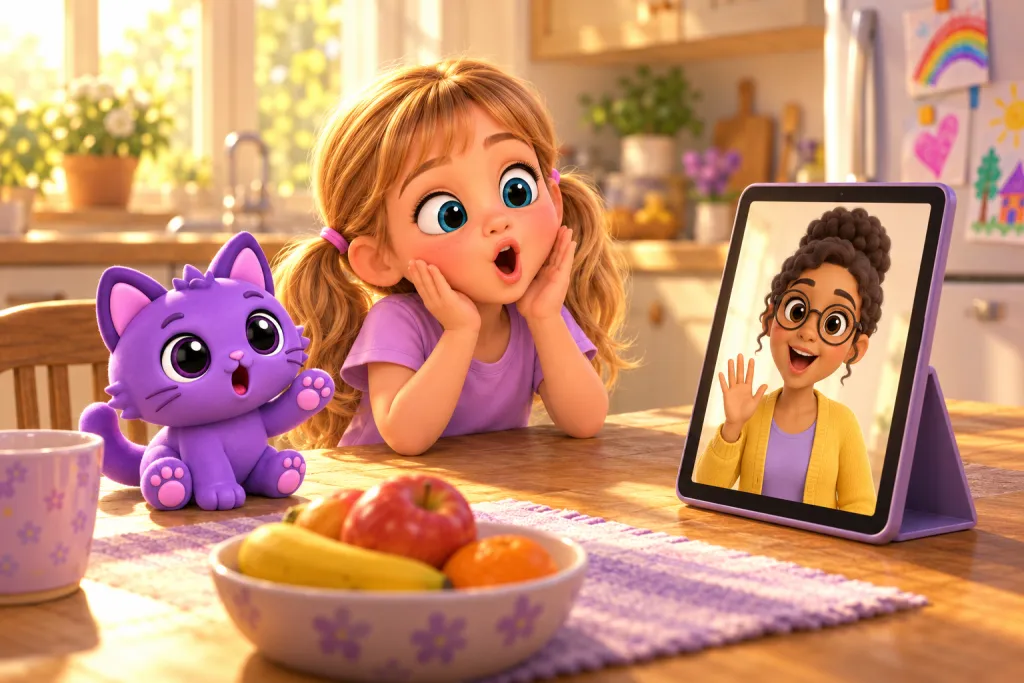
The younger sister at the kitchen table, hands on her cheeks and mouth round as she copies a sound, while the teacher on an iPad screen smiles and waves, and the small purple kitten copies her with its mouth wide open.
Hear it · Find it · Trace it

Hear the sound. Find the letter.

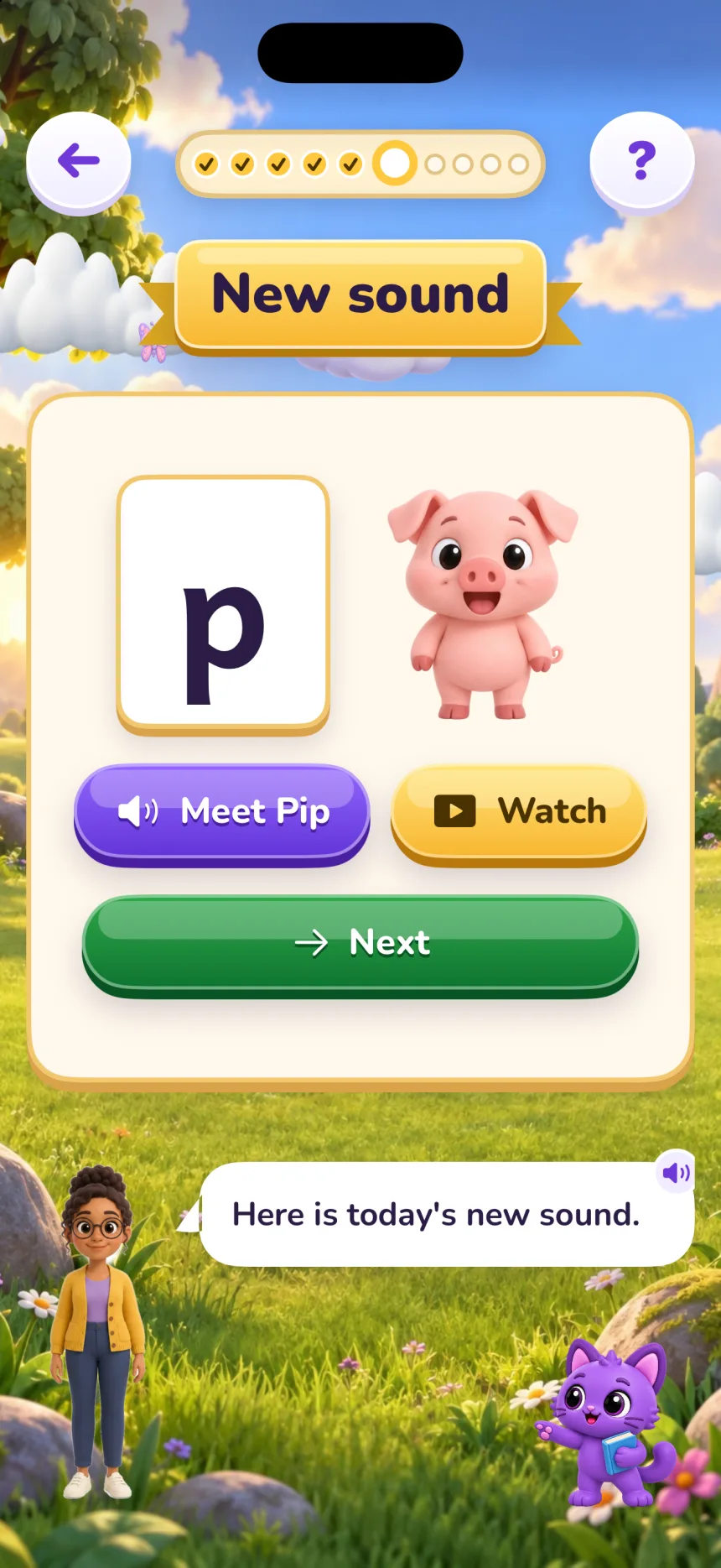
Your child hears a sound and taps its letter (“Listen. Which letter makes this sound?”), traces letters with a finger, starting at the dot, and meets each new sound in its own step: “Here is today's new sound.” The letter appears as a big tile, and a tap says its sound again.

The first sounds are ones you can stretch, like a, m and s, and look-alike letters, like b and d, come in different lessons. Letter sounds, one at a time.

Blend

Slide under the word. Hear it come together.

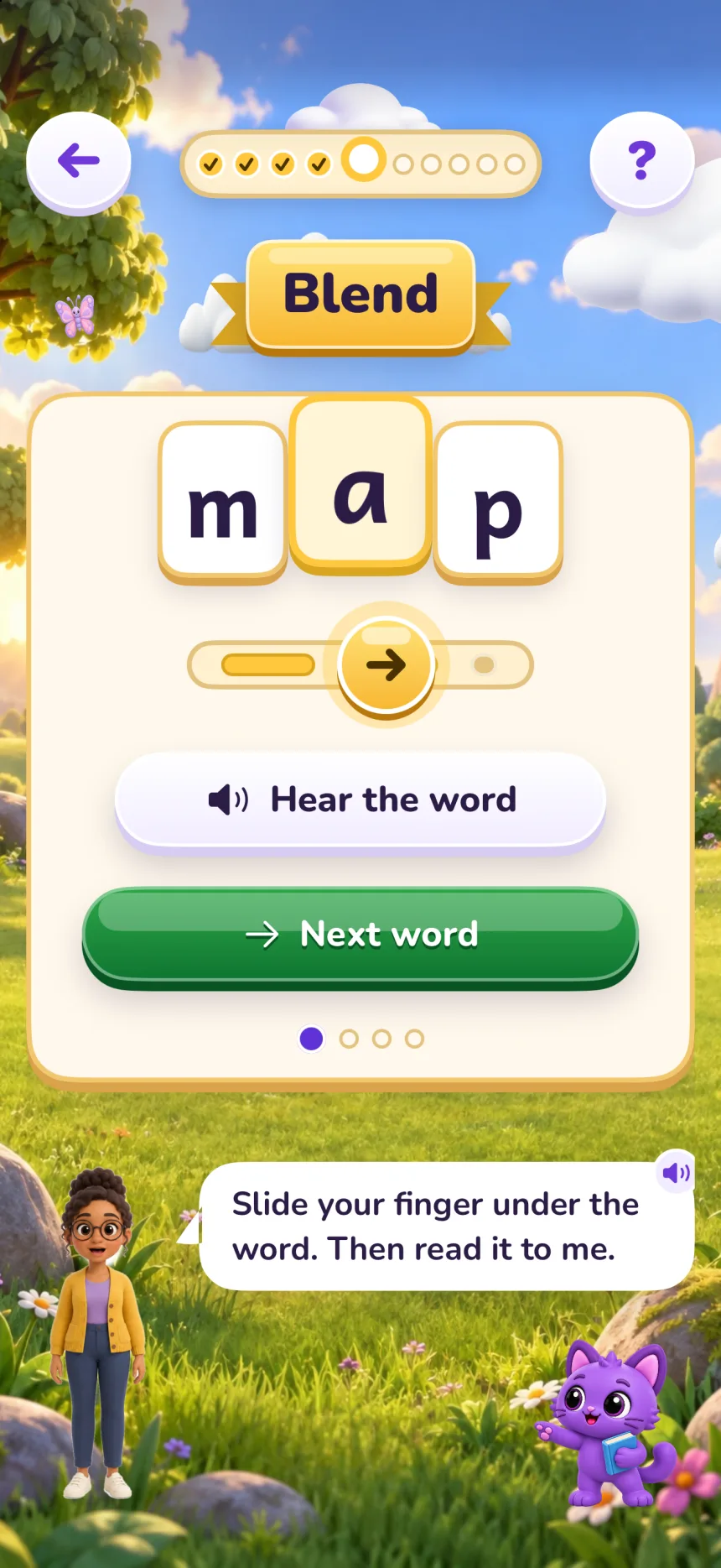
In the Blend step, the word is split into its sounds and your child slides a finger under it: the teacher says each sound as the ball passes, and then the whole word. (“Slide your finger under the word. Then read it to me.”)

Try the slider

Drag the ball under the word.

It works like the slider in the app, with words from its first level. Each sound lights up as the ball passes; at the end, the whole word pops. With a keyboard, use the right arrow.

Later in the lesson comes the Word chain: change one letter to make a new word, like sat → mat → map. CVC words and short vowels.

Decodable books

Books they can really read.

A checker in the app's code reads every page and allows only words made of the sounds taught so far and heart words already taught. Even the characters' names, like Sam, Pam and Pip, are made of taught sounds.

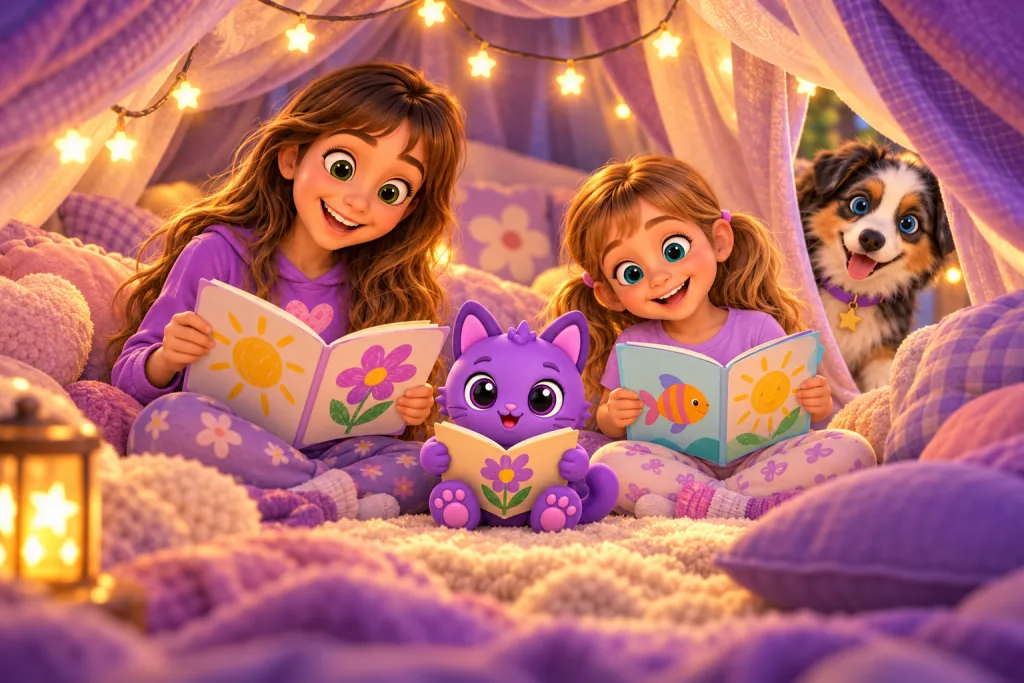
The two sisters inside a blanket fort lit by string lights, each reading a picture book, with the small purple kitten reading its own little book between them and their puppy Blue peeking in.
Read · Reveal · Shelf

The picture waits for the reader.

One page at a time, the picture stays hidden until your child reads the page. Any word can be tapped to hear it. In the first books, the teacher reads one page and your child the next.

At the end come two questions by tapping (“Which picture comes first in the story?” and “Find this word.”), and then: “The end! This book goes on your shelf.”

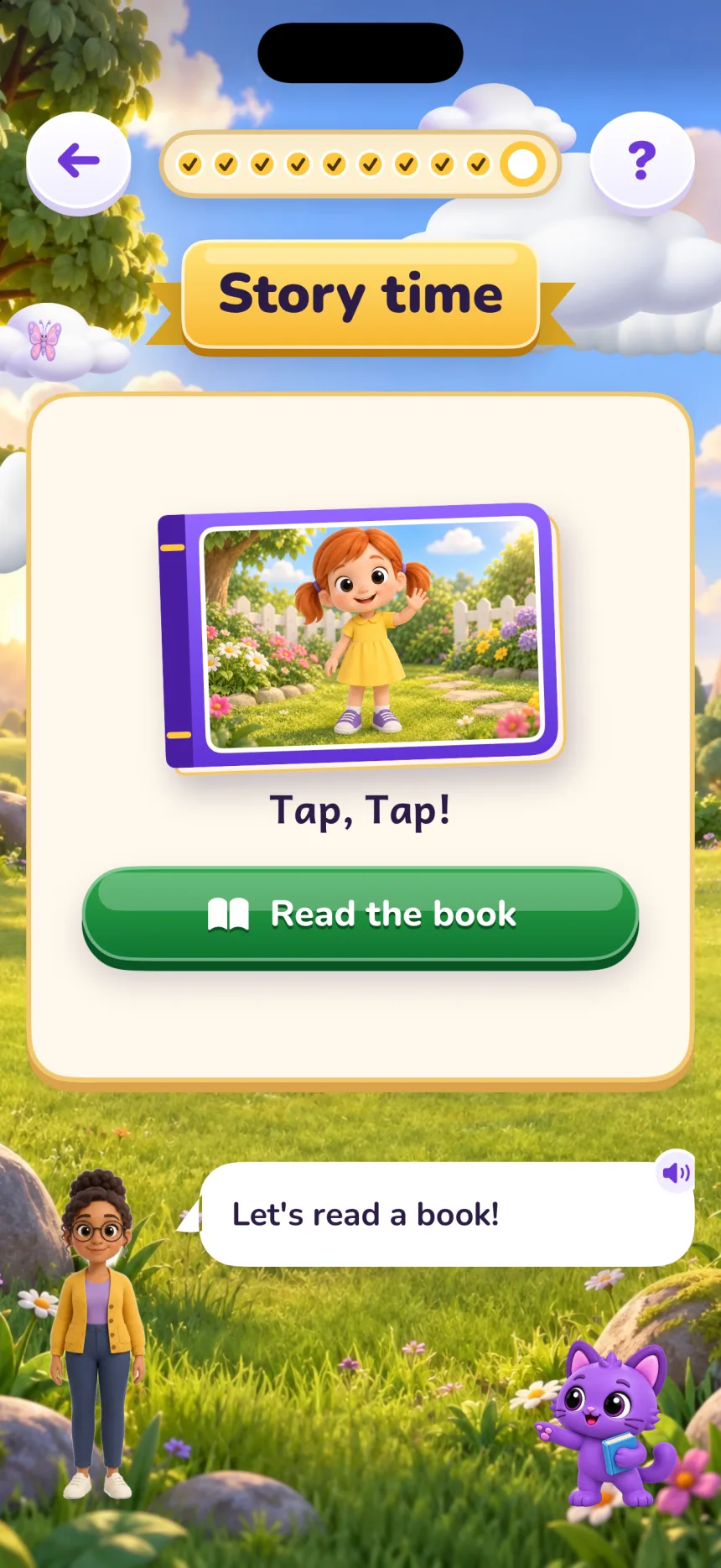
Story time: the cover of the book Tap, Tap! and a Read the book button, with the teacher saying “Let's read a book!”
Story time
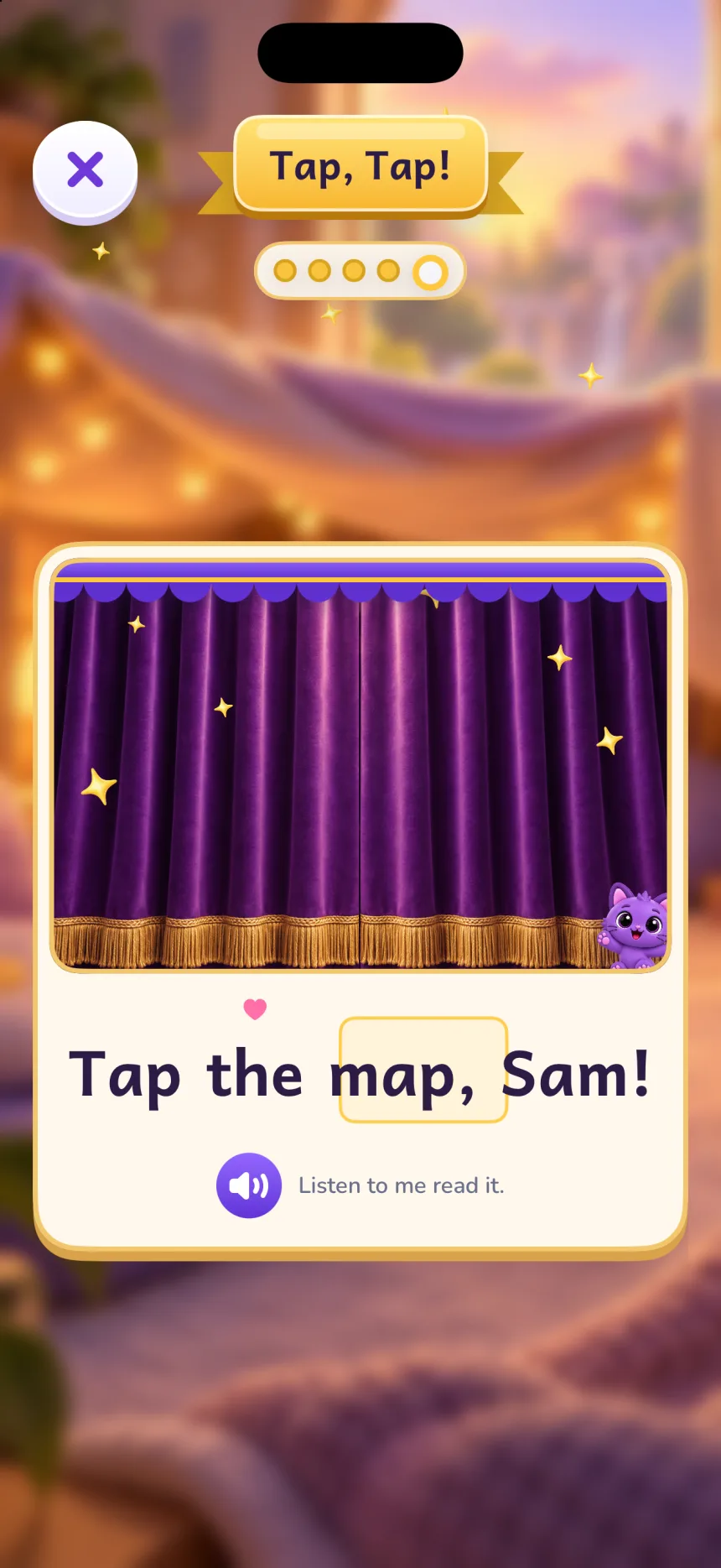
Reading the book Tap, Tap!: a purple curtain covers the picture while the page reads “Tap the map, Sam!”, with the word map highlighted as the teacher reads it.
The picture waits behind a curtain
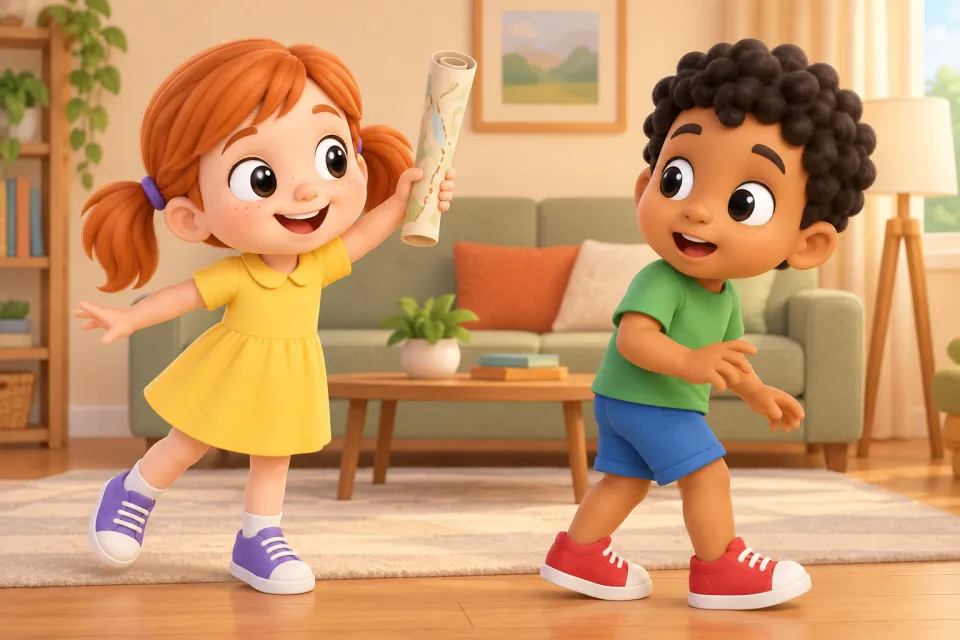
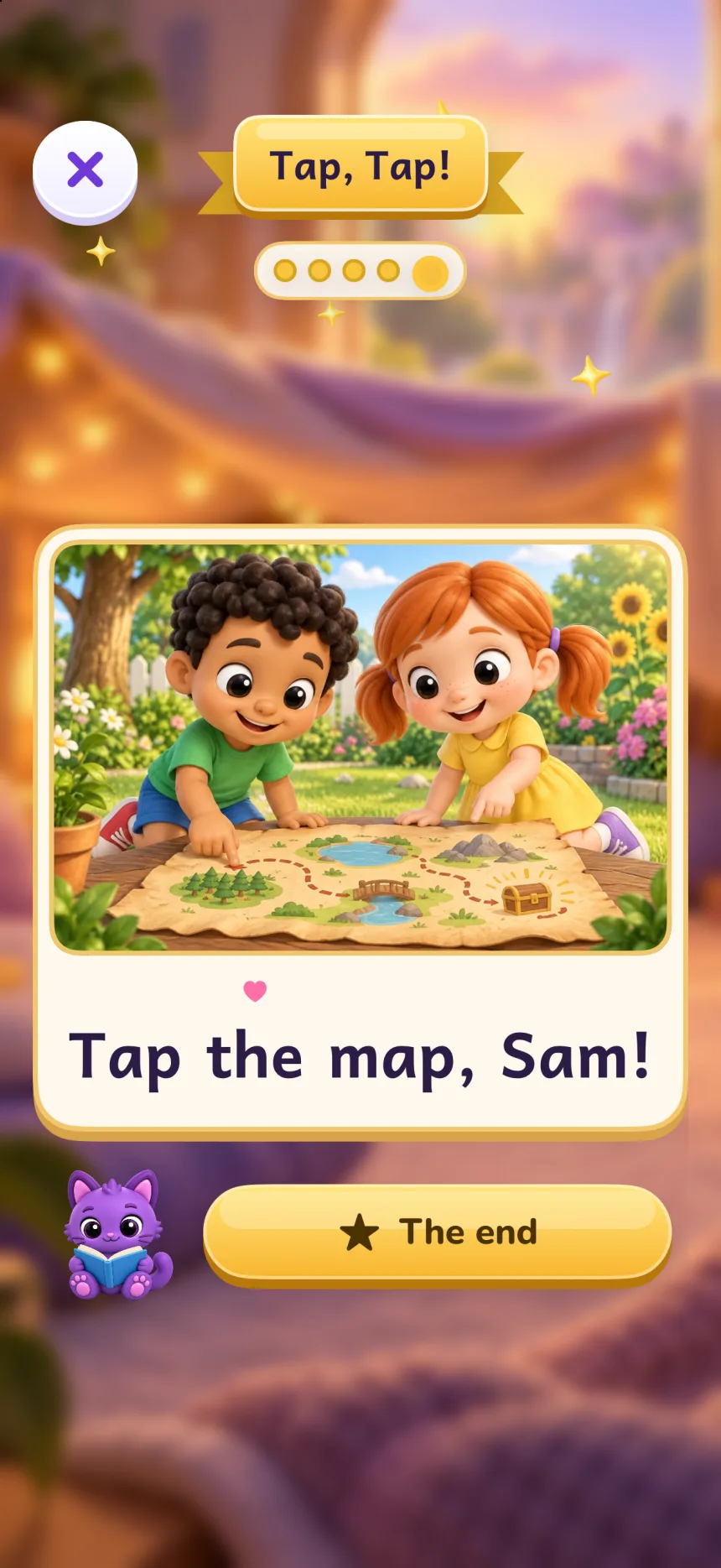
The same page with the curtain open: Sam and Pam tapping a big map on the floor, over the words “Tap the map, Sam!” and a The end button.
Then the picture opens
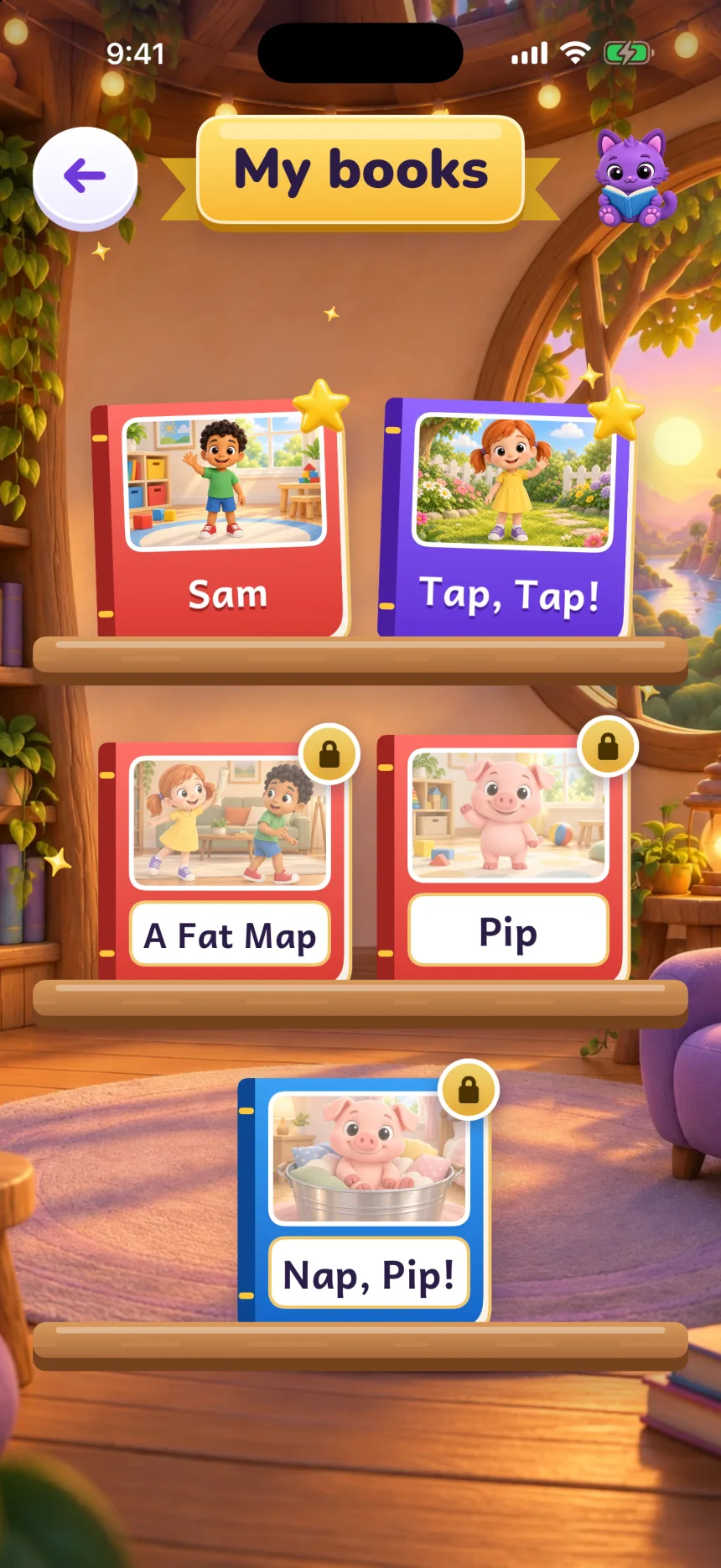
My books: a treehouse library where the books Sam and Tap, Tap! are read and starred, and A Fat Map, Pip and Nap, Pip! still have a lock.
My books

Real screens from the app, in the iPhone simulator.

Every page of every book, with the words: the decodable books.

Listening

An app that listens, and keeps it on the device.

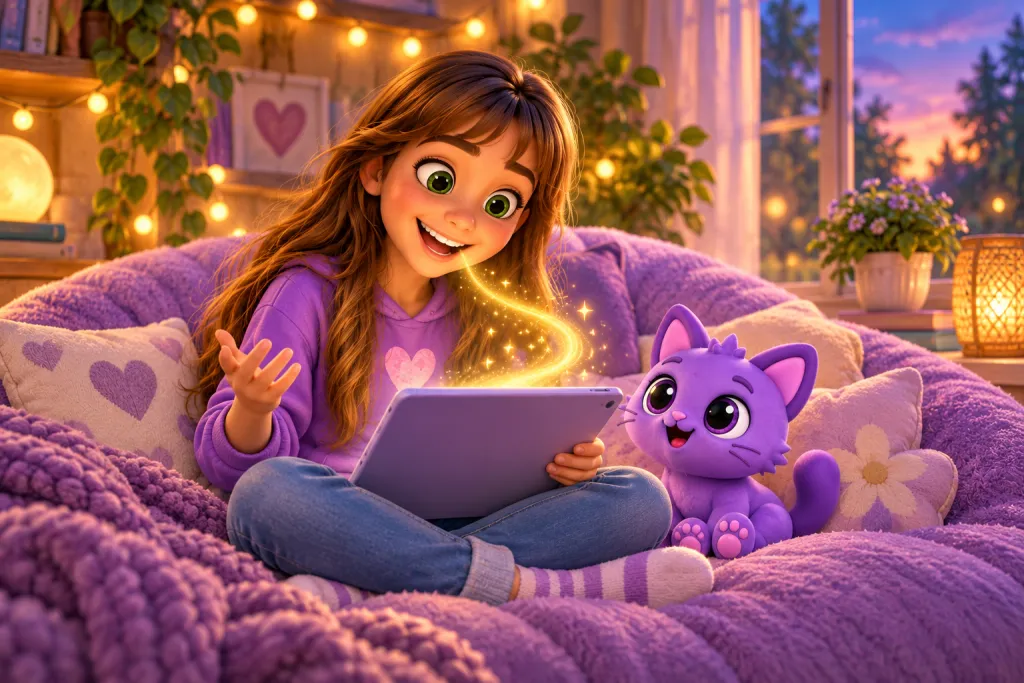
The older sister on a big purple beanbag, reading aloud from an iPad on her lap, as a ribbon of golden sparkles flows from her words into the screen and the small purple kitten listens beside her.
Read it · I'm listening

Read it aloud. The app answers.

When a grown-up allows it, your child can read a word or a page aloud and the app answers, like “You read it! Great job.” Speech recognition runs on the iPhone or iPad itself, and your child's voice is never recorded, stored or sent anywhere.

  • Off until a grown-up says yes. The microphone turns on only while the reader reads aloud.
  • Not sure? Try again. If the app isn't sure what it heard, it asks to try again instead of correcting. In lessons and books it never says a word needs help; only the Reading check with a grown-up may, from age 6.
  • It never decides alone. Reading aloud never decides progress on its own.

How listening works.

With a grown-up

Short sessions, side by side.

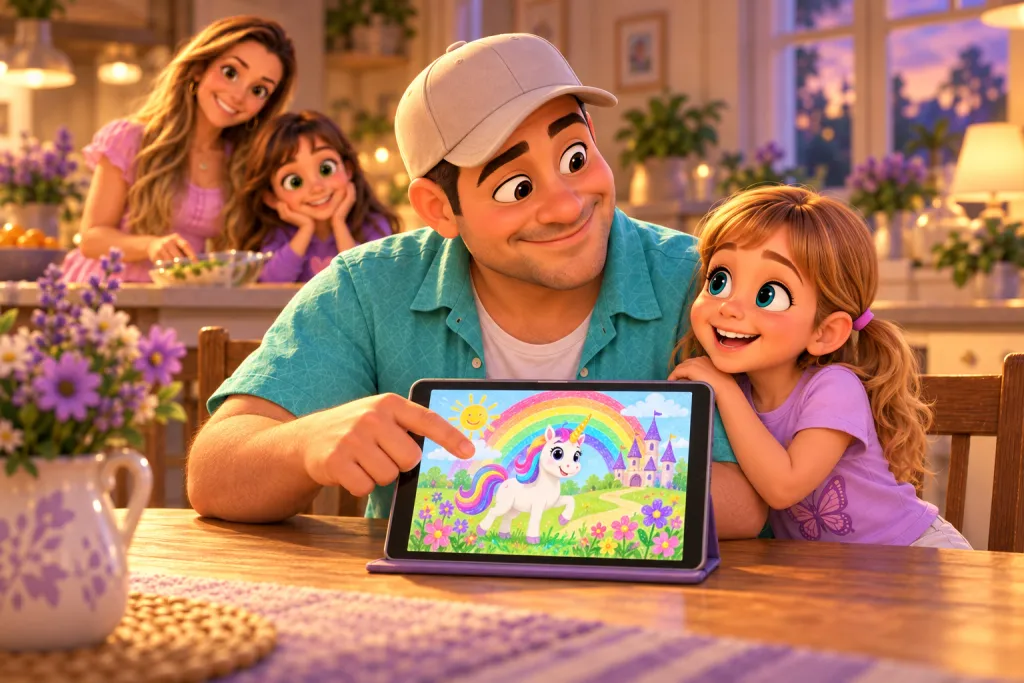
Dad and the younger sister at the dining table in the evening, dad pointing at a picture on the iPad while she smiles and leans on his arm, as mom and the older sister smile from the kitchen behind them.
Teach · Check

A script, so you know what to say.

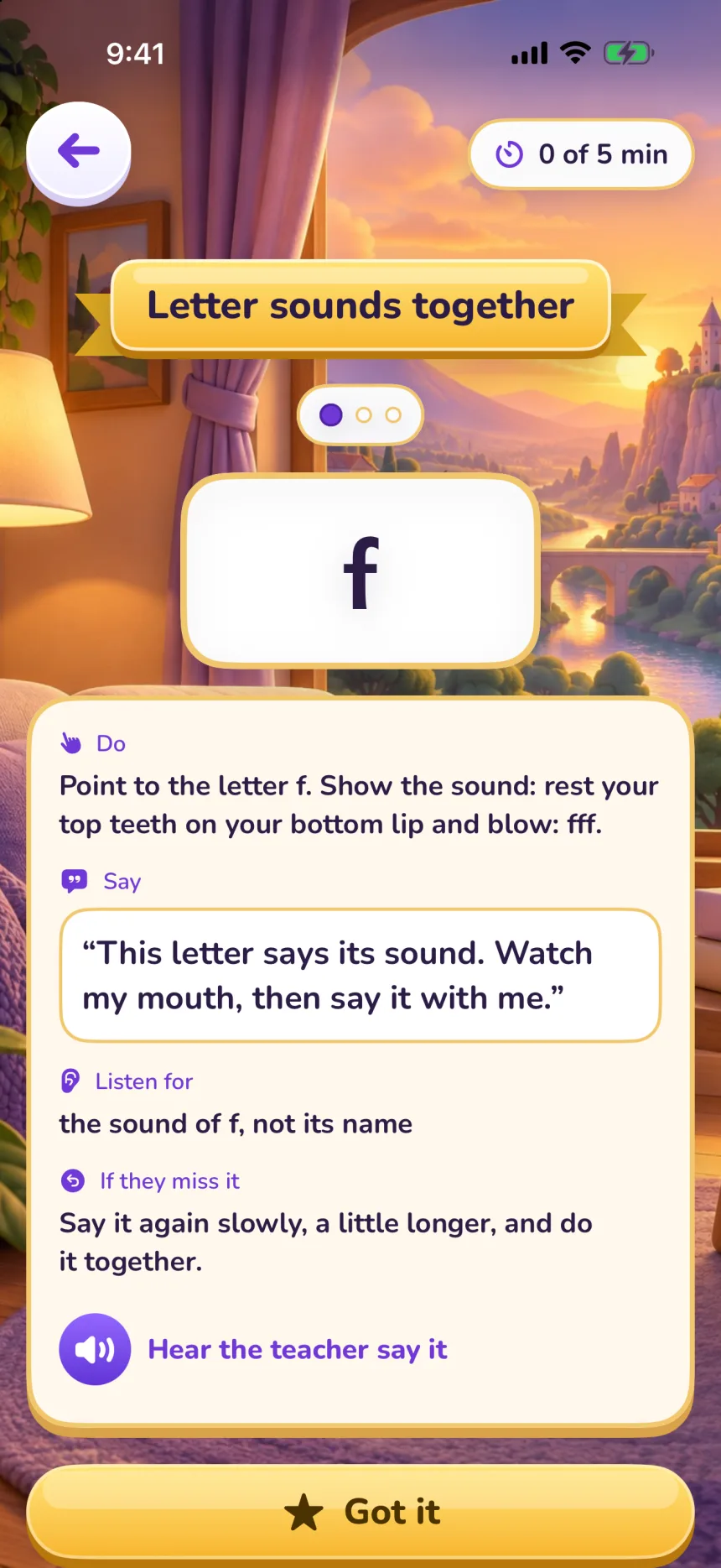
“Pick one. About five minutes.” Teach today's lesson gives you a short script: what to do, what to say, and what to say if they miss it, with a button to hear the teacher say it first. You tap “Got it”, “Almost” or “Not yet” as you go.

Reading check: your child reads 10 words aloud and you tell the app if it heard right. At the end, it tells you how many times it wrongly corrected your child.

Reading together, step by step.

The lesson of the day

Eight kinds of steps, then “Daily done!”

Every day, the home screen shows today's lesson and a big Start button. The teacher leads each step. For ages 3 to 4, the lesson skips Blend, Word chain and Listen and build, and comes in small blocks with breaks.

  1. 1Warm uphear sounds, pick the word they make
  2. 2Hear it, find ithear a sound, tap its letter; a quick game inside
  3. 3Hear it, write ittrace the letter with a finger
  4. 4Blendthe sound slider, from age 5
  5. 5New soundtoday's new sound
  6. 6Word chainchange one letter, from age 5
  7. 7Heart wordthe tricky part, by heart
  8. 8Build, then a bookbuild a word (from age 5), then Story time
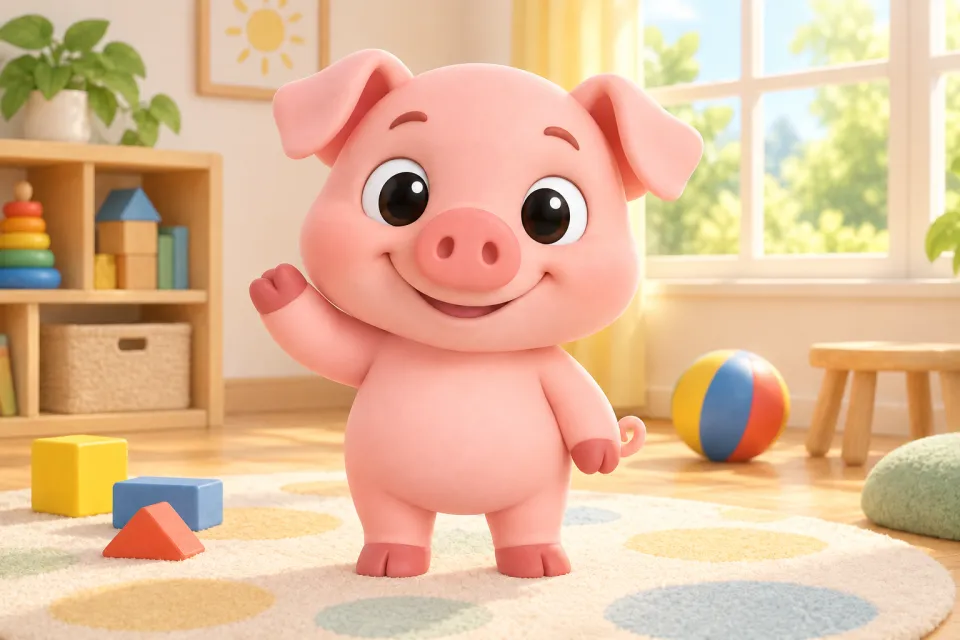
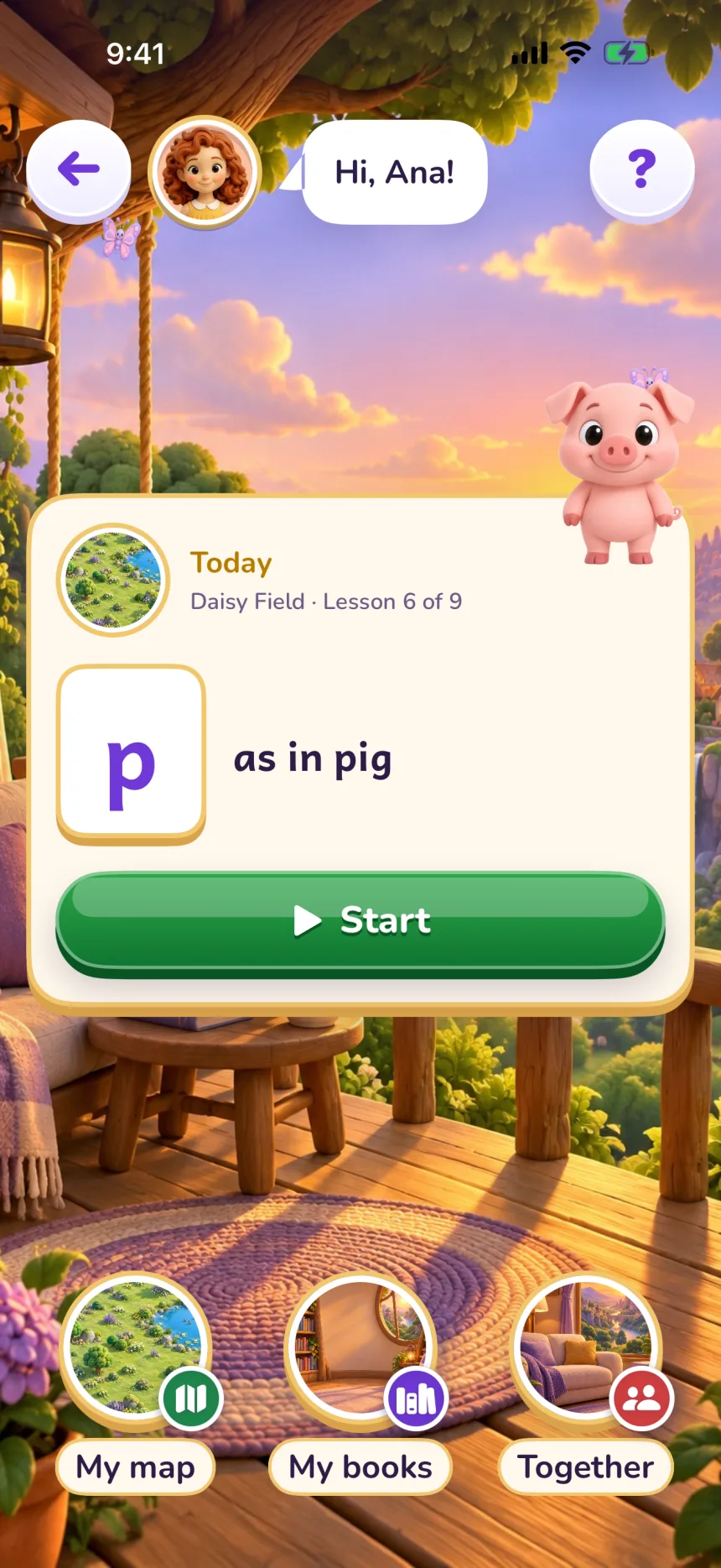
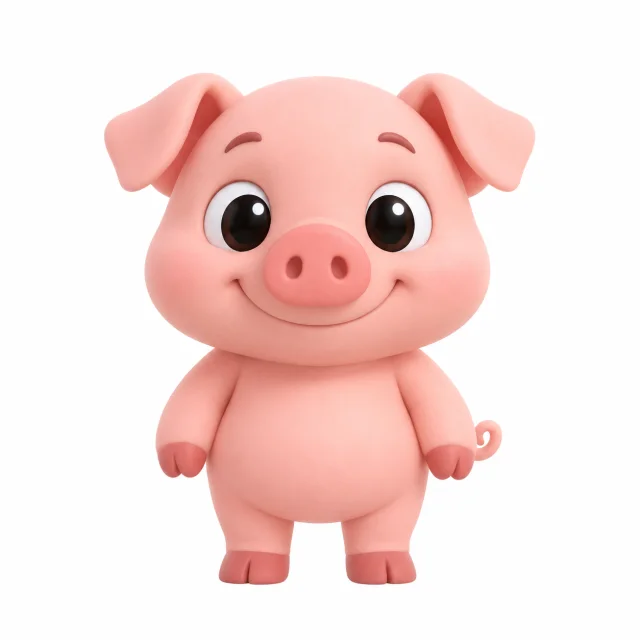
The reader's home screen: a treehouse porch at sunset, “Hi, Ana!”, today's lesson card with the letter p “as in pig” and a green Start button, Pip the Pig at the corner, and three doors: My map, My books and Together.
Today's lesson, one tap away
Blend: the word map in three letter tiles, the a lit up as the golden ball slides along the track, Hear the word and Next word buttons, and the teacher saying “Slide your finger under the word. Then read it to me.”
Blend: slide under the word
New sound: a big letter tile p next to Pip the Pig, with Meet Pip, Watch and Next buttons, and the teacher saying “Here is today's new sound.”
A new sound, with its friend
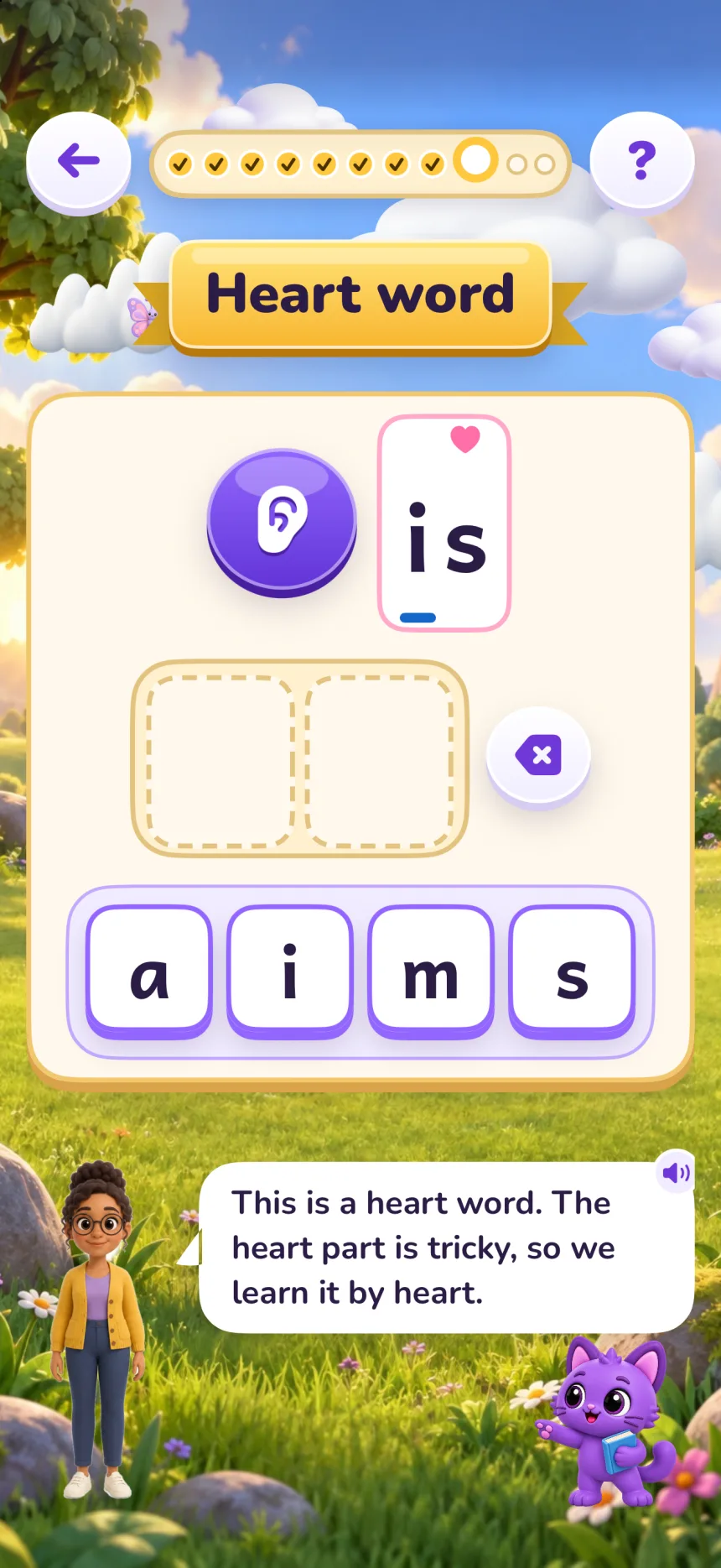
Heart word: the word is with a heart over the s, two empty spaces to build it, the tiles a, i, m and s, and the teacher saying “This is a heart word. The heart part is tricky, so we learn it by heart.”
Heart word: the tricky part
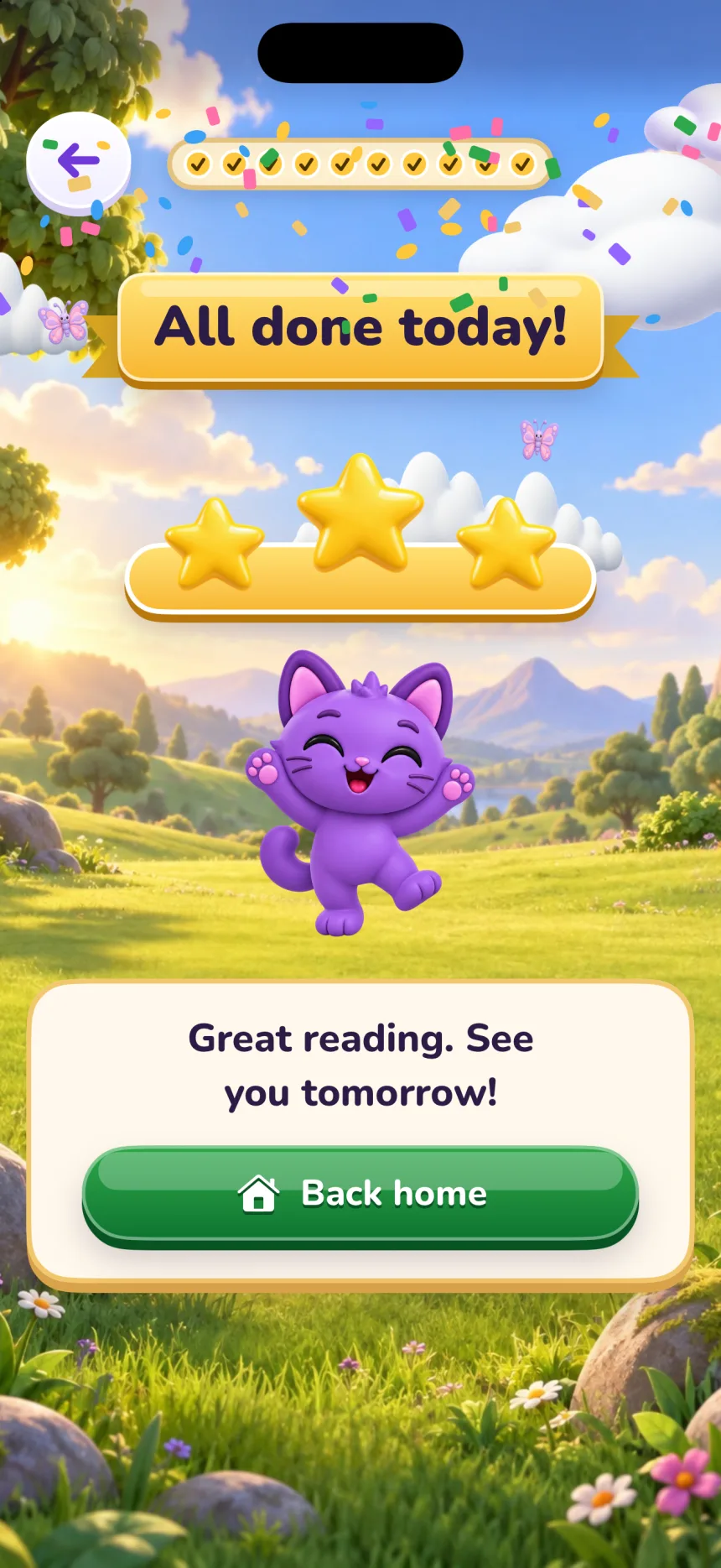
The end of the lesson: “All done today!”, three gold stars, the purple kitten jumping in confetti, “Great reading. See you tomorrow!” and a Back home button.
All done today!

Real screens from the app, in the iPhone simulator, with a test reader.

A miss never shows red or an X, and the lesson ends with “All done today!” and a button back home. How a lesson works.

Sound friends

A friend for each first sound.

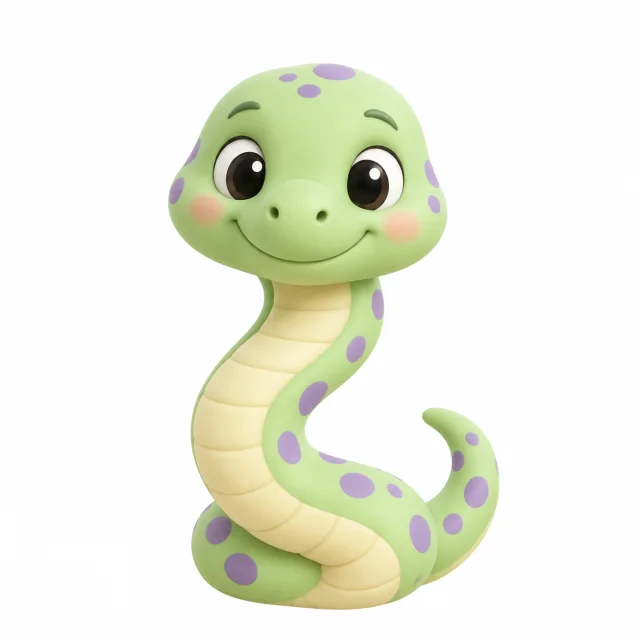
Each of the first sounds has a friend who introduces it in its own voice: “Hi! I'm Sally the Snake. I love the sun! Sally and snake start with my sound.”

The path

From first sounds to long words.

On your child's map, each level is a place in a painted valley, from Sunny Meadow to Cloud Castle. Grown-ups see the level names below, and every lesson of every level is in the scope and sequence.

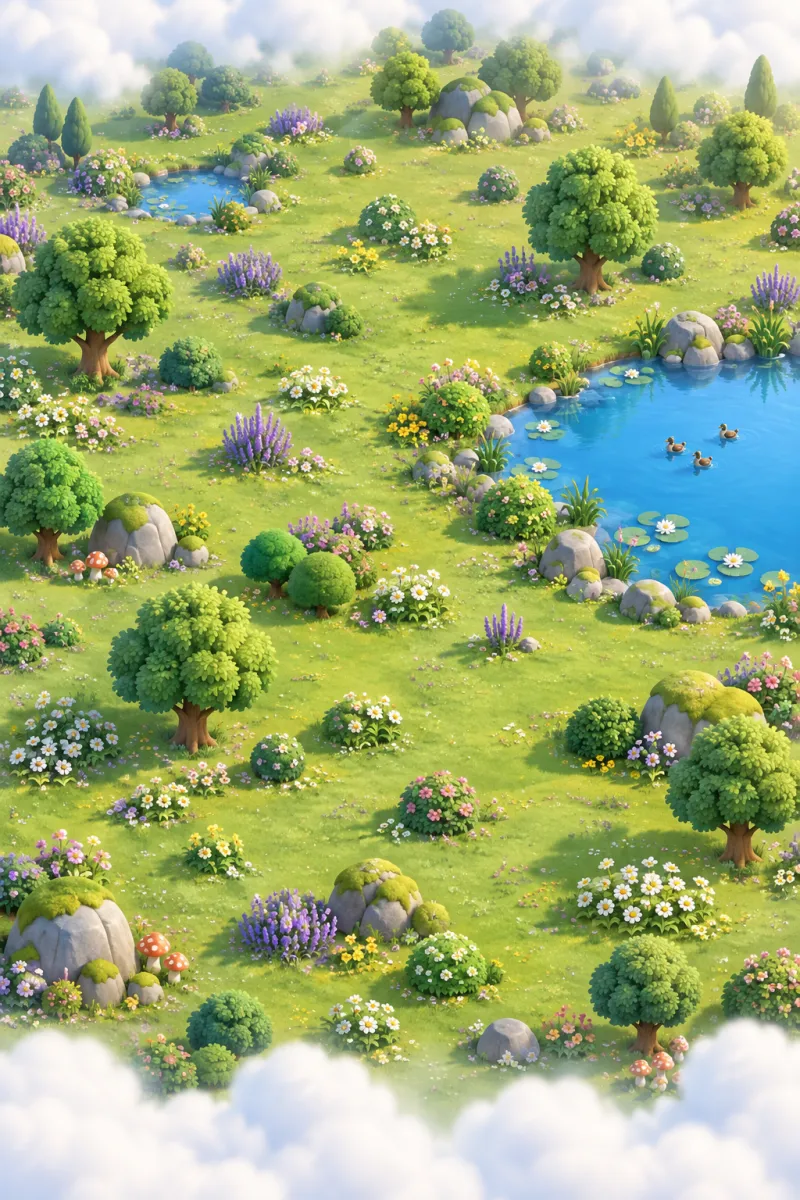
  1. The meadow region of the app's painted map: a flower meadow by a small blue lake, a wooden footbridge and stepping stones.
    Sunny Meadow · Daisy Field0. Sound Steps1. First Letters
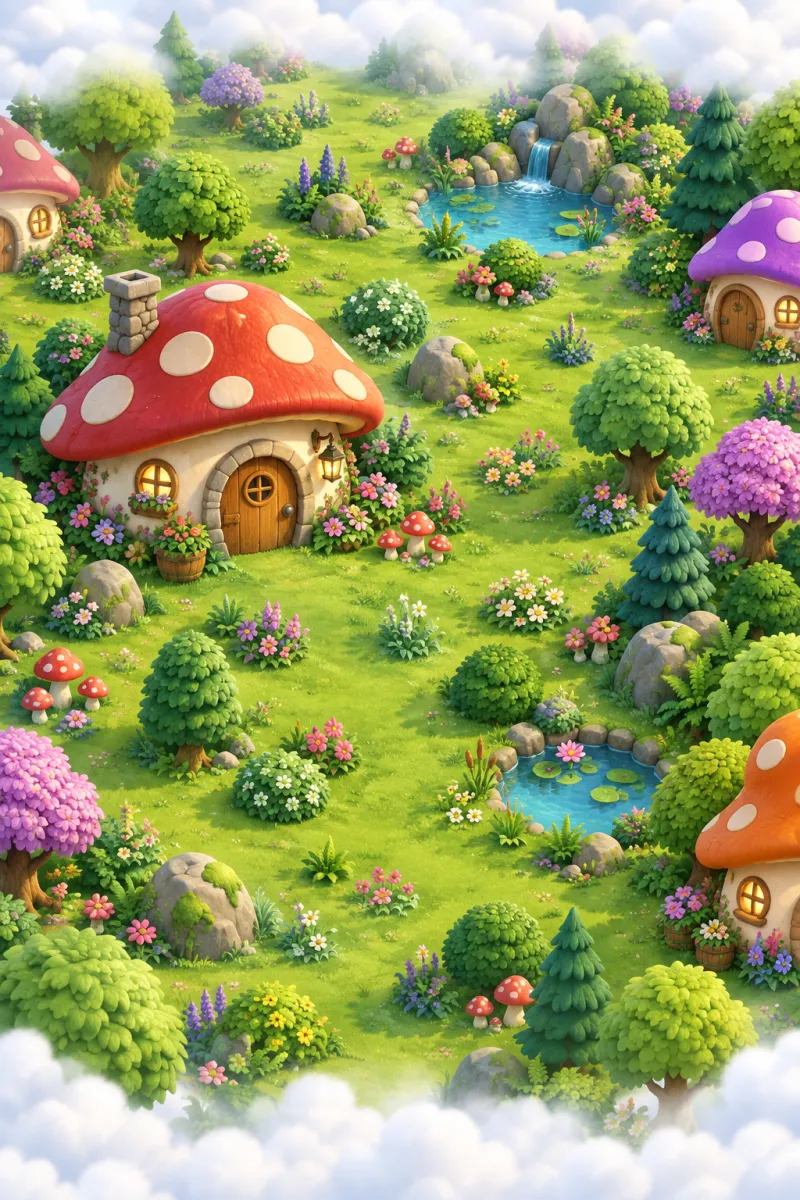
  2. The forest region of the app's map: round trees, mushroom cottages with round doors and a treehouse.
    Whisper Woods2. The Alphabet
  3. The river region of the app's map: a sparkling river with a small waterfall and a water mill.
    River Bridge · Waterfall Bend3. Blends4. Digraphs
  4. The garden region of the app's map: glowing flowers, blossom arches and fountains.
    Magic Garden · Rose Garden5. Magic E6. Long Words
  5. The hills region of the app's map: rolling green hills, a windmill and hot air balloons.
  6. The castle region at the top of the app's map: floating islands and a golden castle library in the clouds.

Topic by topic: letter sounds · blending · CVC words · heart words · blends · digraphs · magic e · vowel teams and bossy r. By age and grade: ages 3 to 8 · preschool · kindergarten · 1st grade · 2nd grade.

For grown-ups

See where they are, and help where it counts.

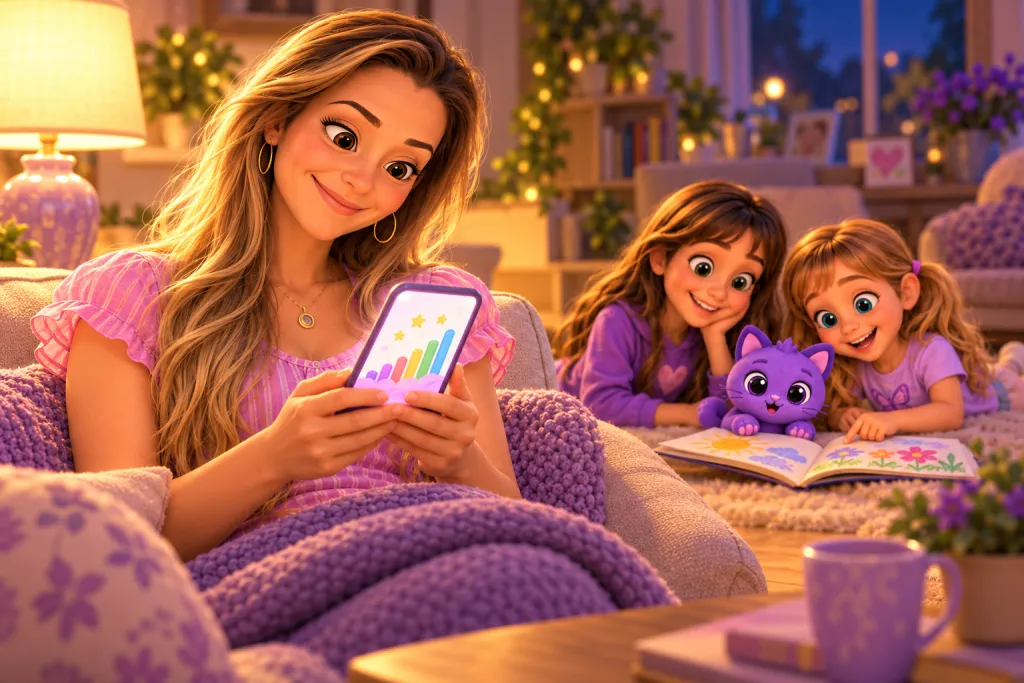
Mom on the sofa in the evening, smiling at a colorful chart on her phone, while the two sisters read picture books on the rug with the small purple kitten.
Behind the grown-ups' lock

Each reader has a page.

The grown-ups area opens with the device's Face ID, Touch ID or passcode (without a passcode on the device, it opens without a check). Each reader's page shows where they are in the path, lessons done, books read, days with a lesson, and a count of letter sounds and words mastered.

When your reader could use you, a note says so, like “4 quick checks in a row were hard. The lessons now give extra practice.”, and suggests a short session together. The reader never sees these notes.

A Teach today's lesson card for the letter f: Do, Say, Listen for and If they miss it, a Hear the teacher say it button, a Got it button, and a small clock that reads 0 of 5 min.
A script for the grown-up
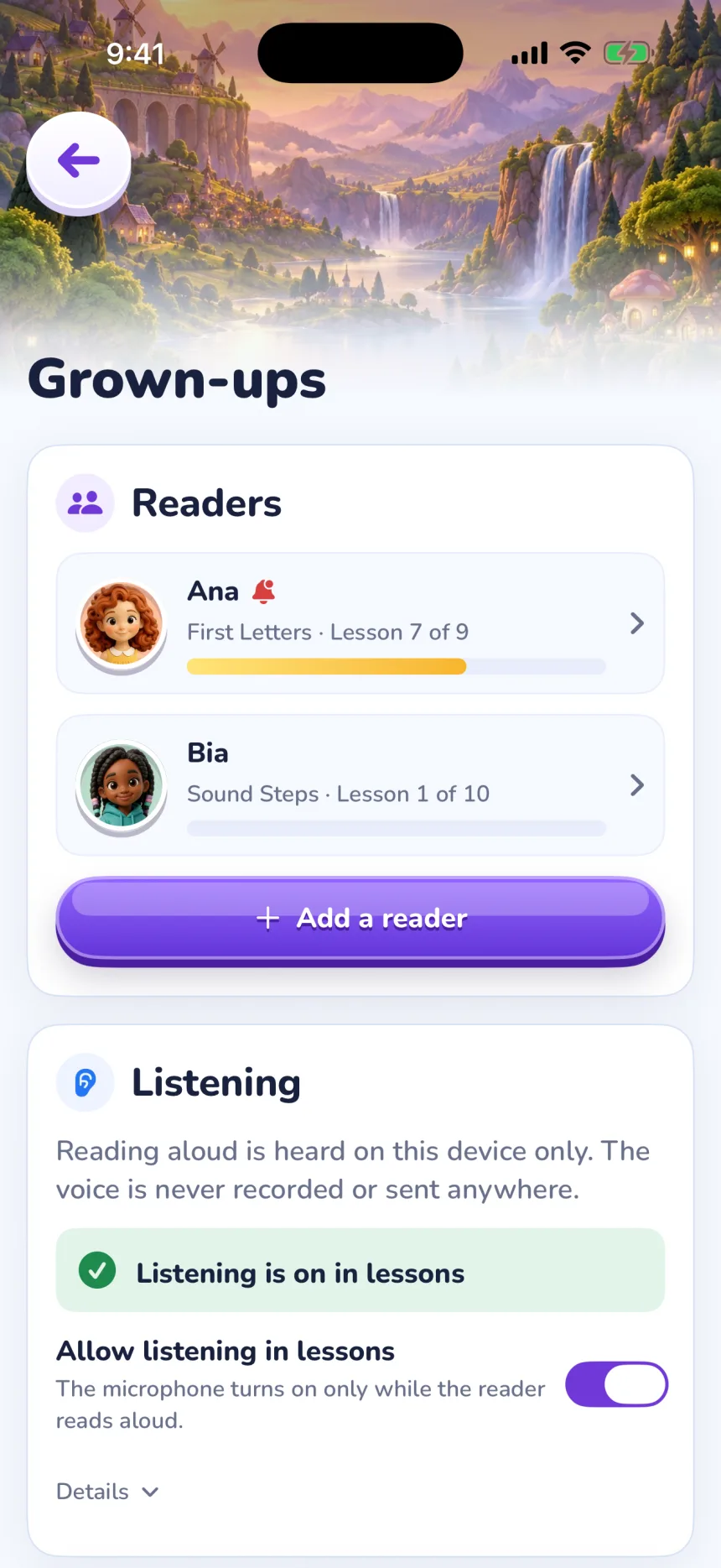
The Grown-ups area: two test readers with their level and lesson, an Add a reader button, and the Listening card: “Reading aloud is heard on this device only. The voice is never recorded or sent anywhere.”, with Allow listening in lessons switched on.
Grown-ups, with the listening switch
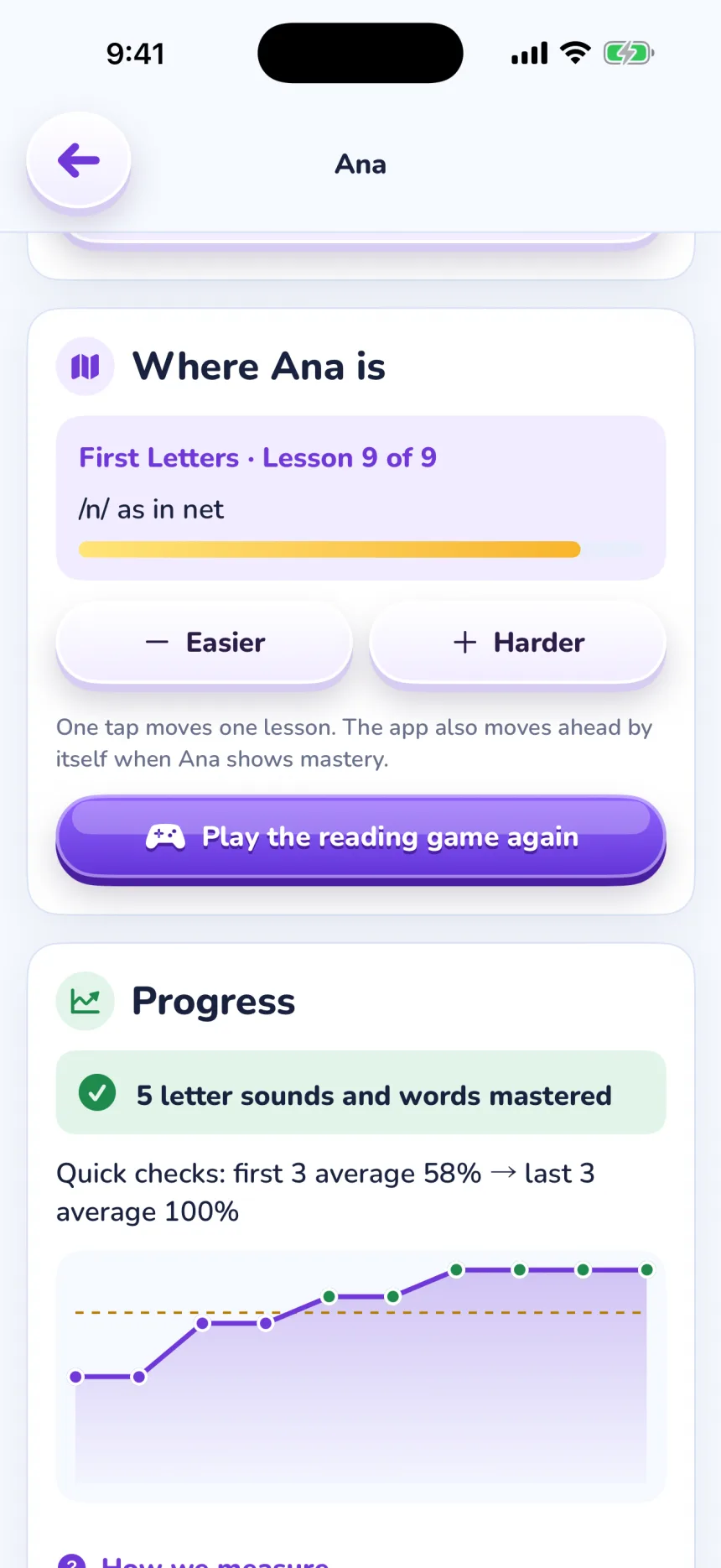
The Progress part of a reader's page, with example data: Easier and Harder buttons, Play the reading game again, a count of letter sounds and words mastered, and a chart of the quick checks.
Progress (example data)

Real screens from the app, in the iPhone simulator, with a test reader and example data.

Easier or harder, one tap

Move your reader one lesson easier or harder. The app also moves ahead by itself when your reader shows mastery.

Why the app moved

The last decisions, in plain words: “moved ahead (4 quick checks in a row went well)”, “repeating the lesson”, “skipped a lesson already mastered”.

Lessons per day

No limit, 1, 2 or 3. After the limit, the home screen says “See you tomorrow! You can read your books.”

Left-handed

One setting per reader moves the buttons and letters to the left side.

Our promise

Read a little. Then go play.

Every lesson has a clear finish: “All done today!” and a button back home. There are no streaks: nothing is lost on a day without a lesson.

  • No ads, no in-app purchases, no analytics or tracking.
  • No account or sign-in. A grown-up adds each reader, and the reader taps their own picture to start.
  • Progress stays on the device. Zupzi has no server and never gets a copy; like all app data, it is included in your device backups, if you make them.
  • No internet needed for lessons. Lessons, books and voices are all inside the app, and there is nothing to stream. Besides Apple's English voice pack for listening, which a grown-up starts once, the app is set up to download nothing. What stays in the app.
  • A lock for grown-ups. The grown-ups area opens with Face ID, Touch ID or the device passcode. On a shared iPad, set a passcode: without one, it opens without a check. Privacy details.
  • Made to be read. Text grows with your device's text size, and motion calms down when Reduce Motion is on.
A family picnic under a big tree in a green park: the younger sister lies on a lavender blanket reading on an iPad next to their puppy Blue, while mom, dad and the older sister sit close by.
The app

Coming soon for iPhone and iPad.

Zupzi Read isn't on the App Store yet. It is free, like the other Zupzi apps, with no ads and nothing to buy inside.

The purple kitten from the Zupzi Read icon, standing with an open storybook in one paw and waving with the other.

Zupzi Read

iPhone and iPad · iOS 26 or later · in English

  • A phonics path for ages 3 to 8
  • A teacher's voice for each sound and word
  • The sound slider, decodable books and heart words
  • Listening on the device, with a grown-up's yes
  • No ads and no in-app purchases
Coming soon on the App Store

Questions families ask

What ages is Zupzi Read for?

Ages 3 to 8. The lesson changes with the age a grown-up enters, in three bands: 3 to 4, 5 to 6 and 7 to 8. See learning to read, age by age.

Which devices does it run on?

iPhone and iPad with iOS or iPadOS 26 or later. One app for both, in English.

When can we download Zupzi Read?

Zupzi Read is coming soon to the App Store, for iPhone and iPad with iOS or iPadOS 26 or later. It isn't available to download yet.

Does it cost anything?

Zupzi Read is free, like the other Zupzi apps, with no ads and no in-app purchases.
Does it need the internet?

Not for lessons: lessons, books and voices are all inside the app, and there is nothing to stream. Besides Apple's English voice pack for listening, which a grown-up starts once in Grown-ups › Listening, the app is set up to download nothing. What stays in the app.

Does the app record my child's voice?

No. Listening is off until a grown-up allows it, it happens on the device only, and the voice is never recorded, stored or sent anywhere. The device keeps a diary of each session, with the words the app heard; Zupzi never gets a copy, unless you share it. How listening works.
What are heart words?

Frequent words with a tricky part, like the s in “is”. Your child decodes the regular letters and learns only the heart part by heart. See every heart word, with the tricky part marked.

Where does my child start?

A grown-up adds each reader with a few questions, and the app suggests a starting lesson. A short reading game can suggest one too, and it can be played again any time. See the whole path.

Is Zupzi Read on Android or the web?

No. Zupzi Read is for iPhone and iPad only.

More answers on the Support page.

One sound at a time.
One book at a time.

Zupzi Read is coming soon to the App Store, for iPhone and iPad. No ads and nothing to buy inside.

Coming soon on the App Store